Manufacturing MES
Integrated MES with QR traceability per piece, configurable production phases, batch management, waste tracking, break control, replacement system and dual tablet/office interface.
Two Interfaces, One System
MobiTech MES automatically adapts to the user role. Managers work from the Office View with consolidated data, while operators use the Tablet View optimized for shop floor work.
Office View
For supervisors and managers
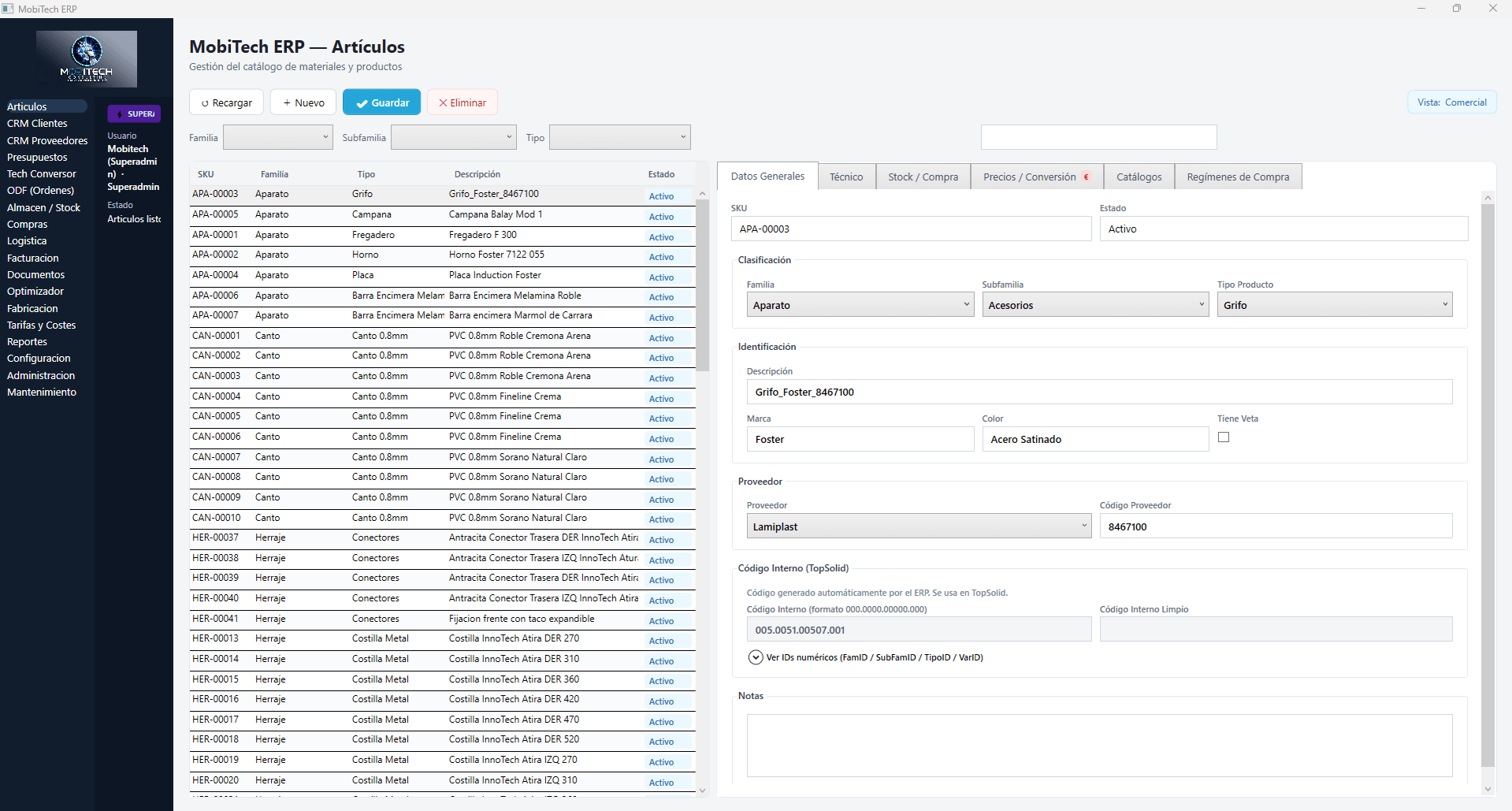
- Consolidated production dashboard
- Manufacturing order management
- Performance reports and analytics
- Incident and waste management
Tablet View — Production
For shop floor operators
- QR piece scanning per phase
- Touch interface optimized for tablets
- Break and incident logging
- Assembly checklist per subassembly
Key Features
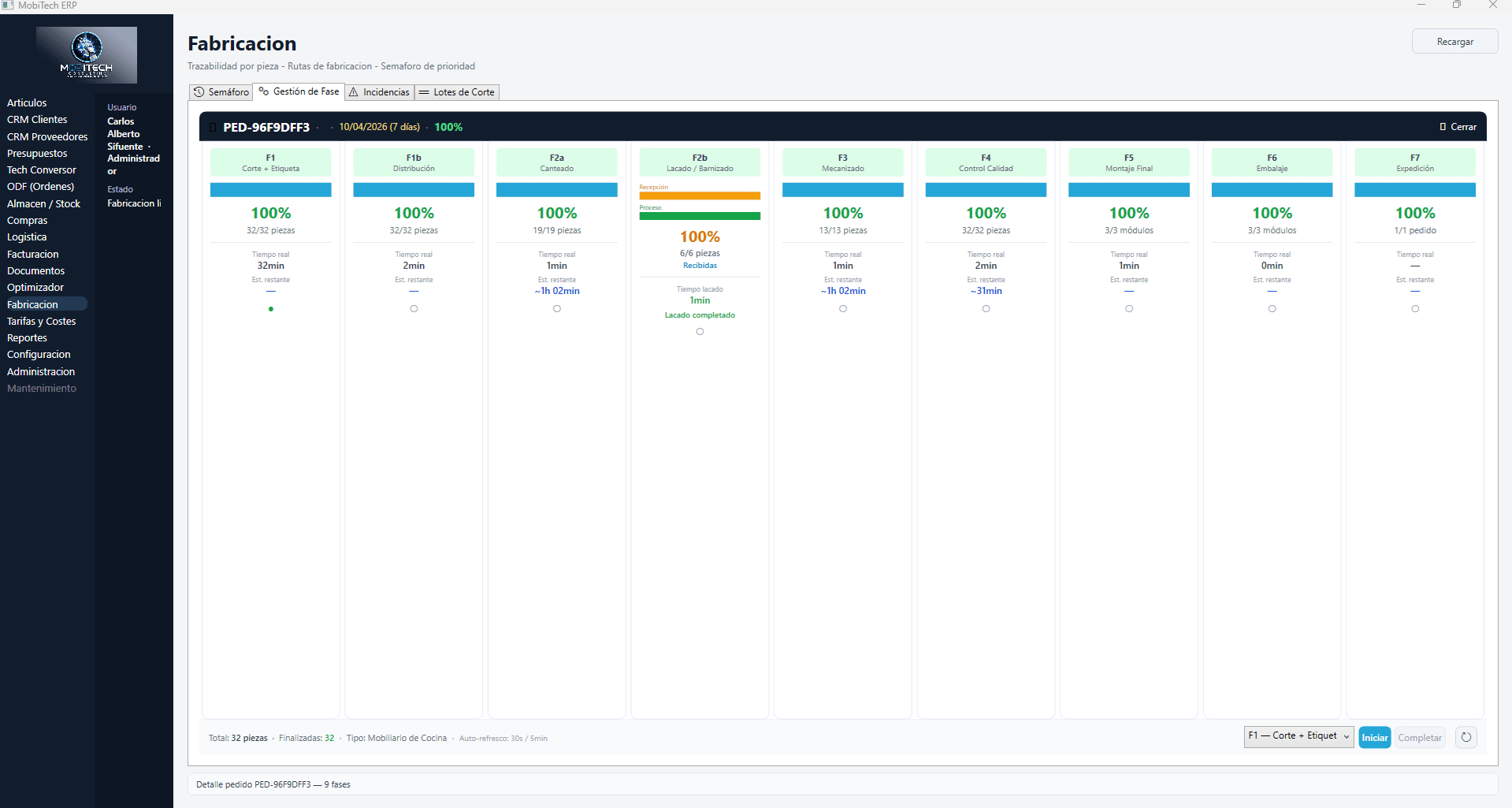
Production Phases
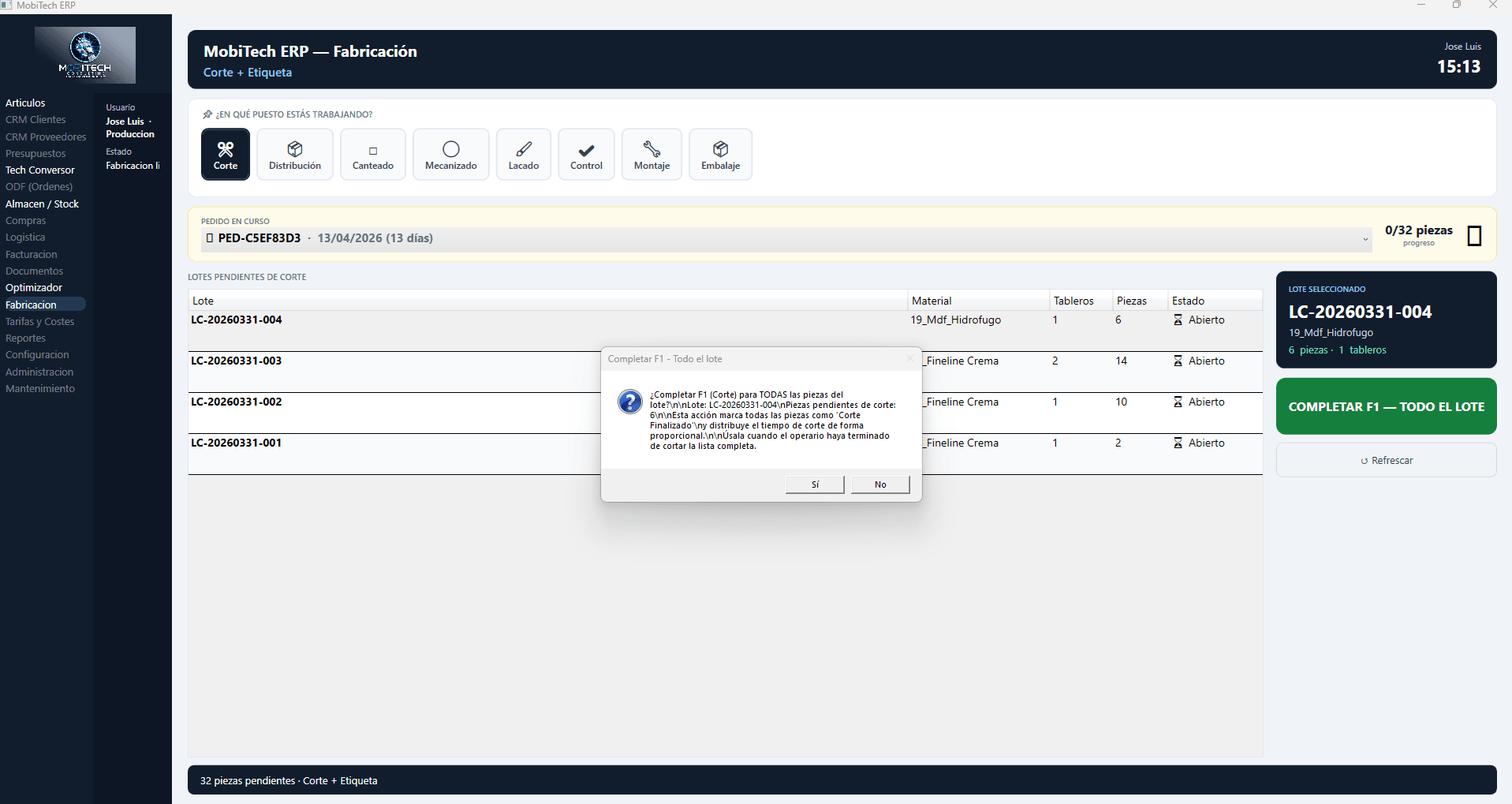
Browse through each manufacturing process phase. Operators see this interface on their tablet, scanning each piece's QR code when entering and leaving each phase.
F1 — Cutting
Cutting & QR labeling
The optimizer groups orders with the same material to maximize board yield. The panel saw cuts and each piece comes out already identified with its individual QR label — but all mixed across orders.
MES Capabilities
What sets MobiTech apart from any other ERP in the industry.
QR Traceability
Each piece has a unique QR code tracking its entire lifecycle from cutting to packaging.
Real-Time
Live tracking of every batch and piece status. Know exactly where everything is.
Incidents
Immediate logging of issues, waste and replacements. Root cause analysis for continuous improvement.
Dual Interface
Automatic interface assignment by role: touch tablet for operators, desktop for managers.
Assembly Checklist
Step-by-step assembly verification for each subassembly. Nothing gets missed.
Configurable Phases
9 production phases adaptable to your factory flow. Activate only what you need.